
Keep hunting in Kathana while you're
sleepingsleeping
A PC in the cloud that runs Kathana and the hunting bot around the clock. You watch and control it from your iPhone with KathanaView. $12 a month, everything included.

Four cloud PCs in KathanaView: keep a shop open, auto pick up and hunt 24/7.
Cloud PC or just the bot?
Just the bot is the program. A cloud PC is the program plus a computer that runs it for you.

Cloud PC
$12a month

Just the bot
$1.99a month
or $16.90 per year
Pay in dollars through PayPal, plus the PayPal fee. A license is bought once and does not renew by itself.
One PC in the cloud that hunts for you
We set up a small Linux server with Steam, Kathana and Auto Kathana running 24 hours a day. You just open it from your phone.
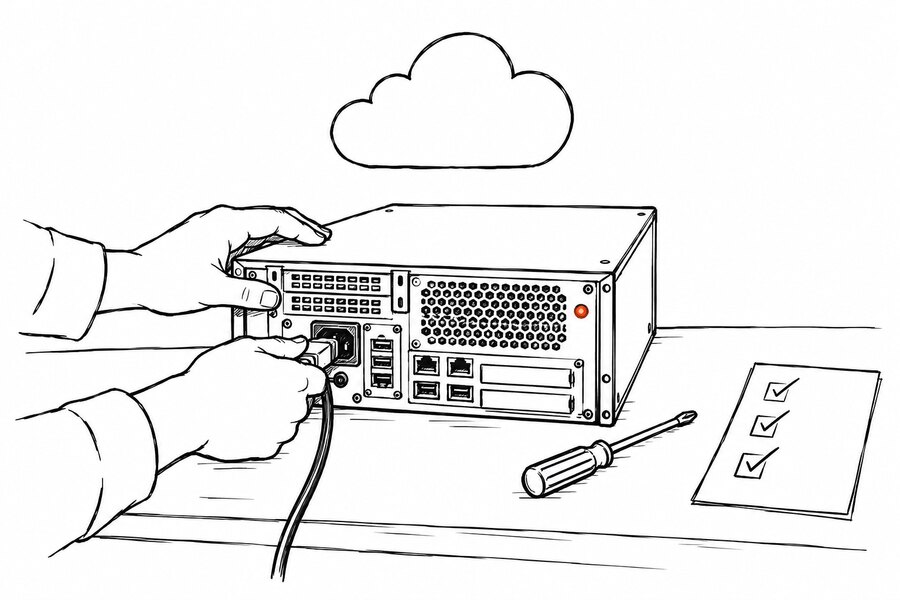
We set up the PC
Within 24 hours of your order your cloud PC is up with Steam, Kathana and the bot installed. Your Steam account is signed in together with you during setup; it is remembered after that.
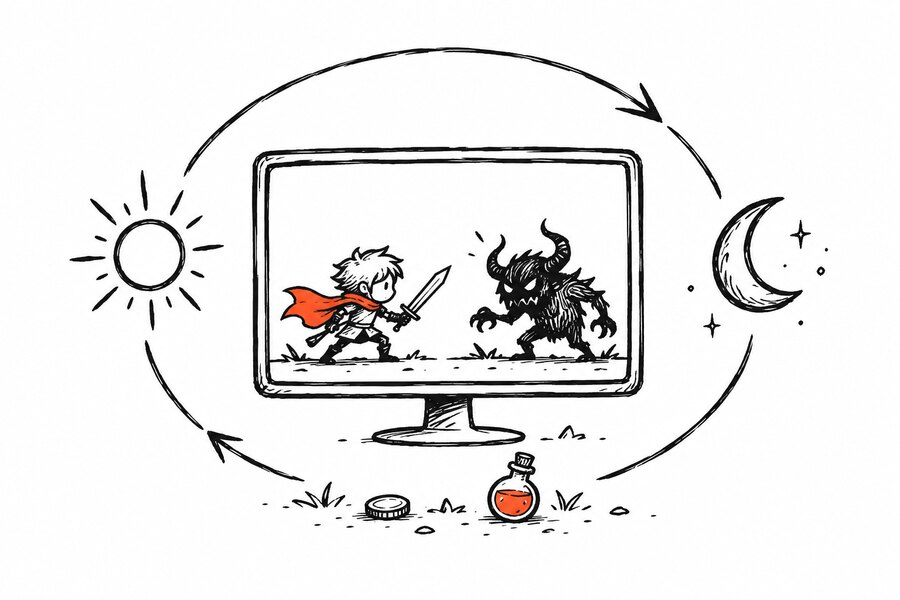
The bot hunts nonstop
Lock target, attack, potions, buffs, loot, walk back after a death. If the game closes or disconnects, the PC opens it again by itself.
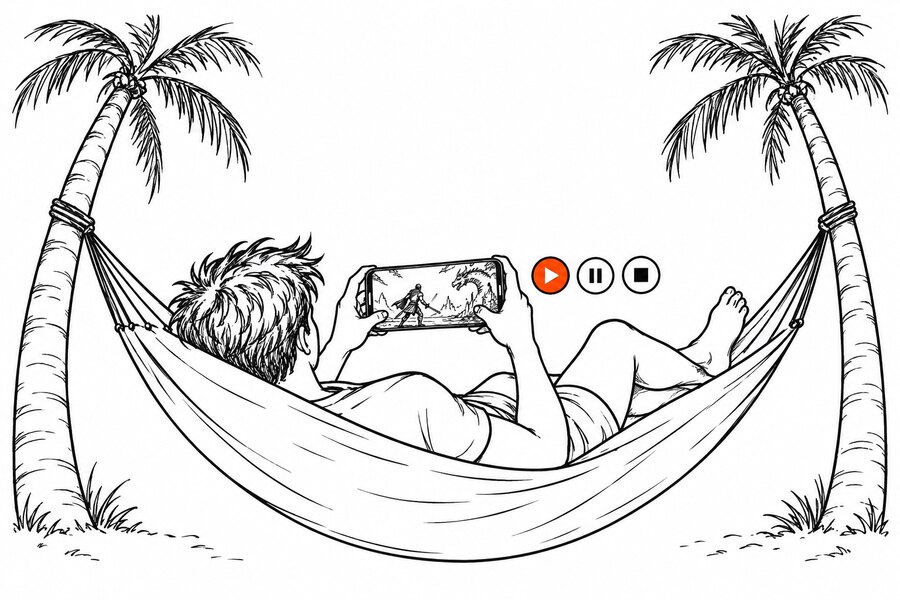
You watch from your phone
KathanaView shows the screen live. Start, pause or stop the bot from anywhere, or open its full panel.


KathanaView
The app for iPhone, Mac and Windows that connects you to your cloud PC over SSH, with no open port anywhere.
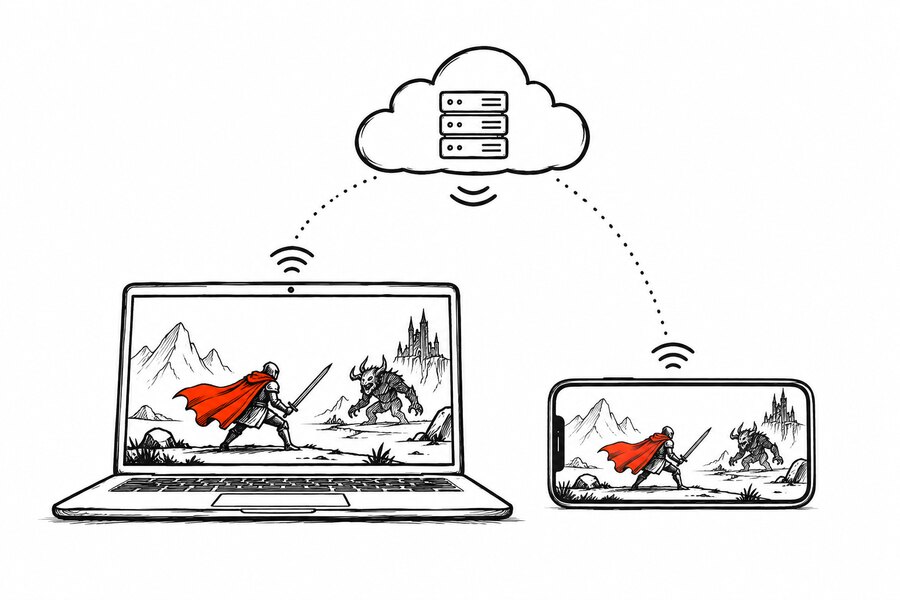
The game screen, live from the cloud PC
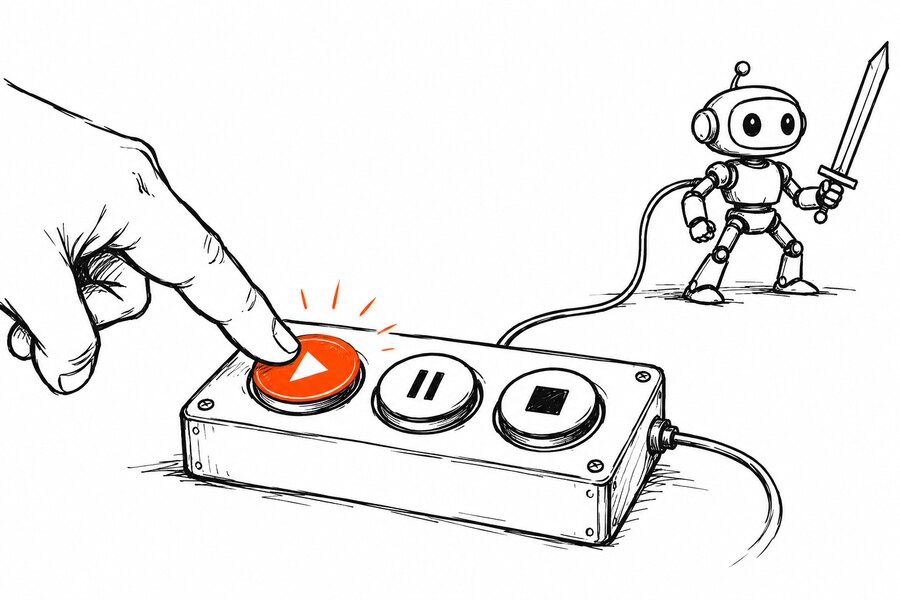
Start, pause and stop switches for the bot
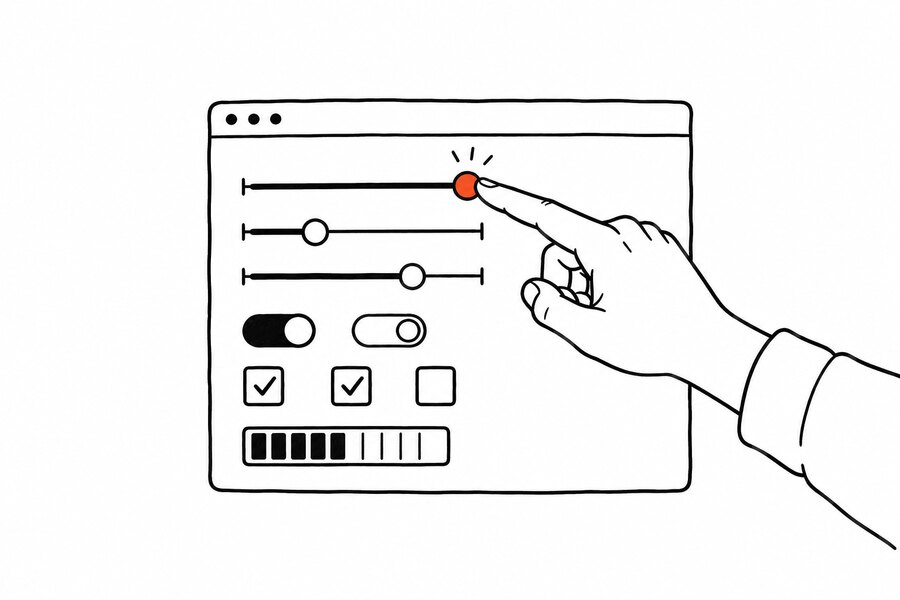
The full Auto Kathana panel in its own window
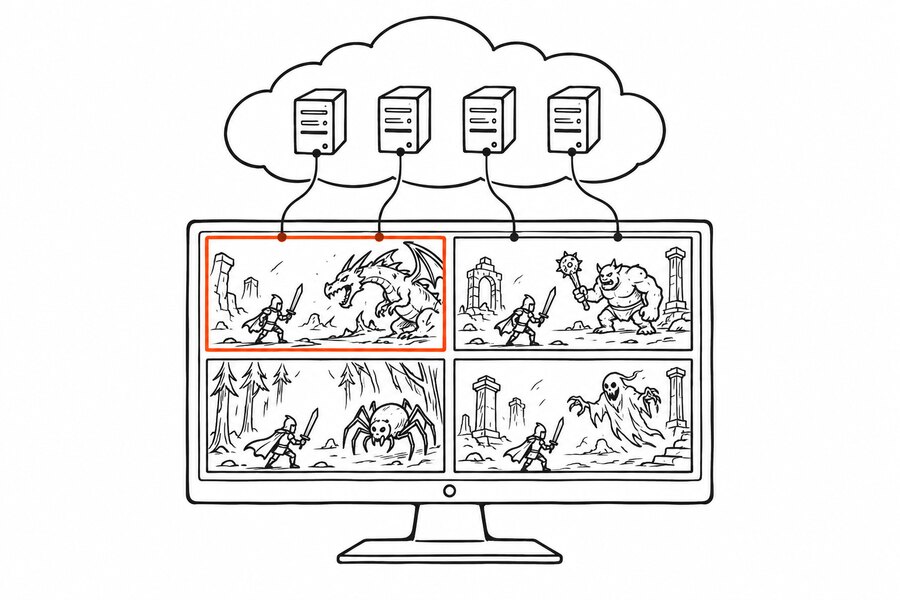
Several PCs at once in one grid


5 to 12 fps, and why that is enough
A cloud PC has no graphics card, so Kathana is drawn by the processor alone: 800x600 at 5 to 12 frames a second, lower in a crowded town and higher in a quiet hunting spot. The bot reads the screen and presses keys a few times a second, so that speed is enough to lock a target, attack, drink potions and pick up loot. What it does not suit is playing by hand: PvP, dungeons that need reflexes, or anything that wants smooth movement.
$12a month
One cloud PC, one character hunting
The panel
One window. Bot state stays at the top, controls sit in five tabs, the log sticks to the bottom.

What the bot handles
HP and TP potions
A range, like a thermostat: start drinking at 40%, keep going until past 80%. Below 8% the bot stops attacking.
Skill rotation
Six slots. The bot picks the first skill whose cooldown has passed; a normal attack fills the gaps.
Buffs on a timer
Duration is read from the in game tooltip and the buff is recast two seconds before it runs out.
Alt-tab safe
The bot captures the game window through PrintWindow, so the window can be covered. Just do not minimize it.
Pick your targets
Skip elites, or attack only certain names from the monster list for that area.
Respawn route
Record the walk back once. After a death the bot follows it and goes back to hunting.
Download
Good to know
- 1.Windows will show a UAC prompt. The game runs as admin, so the bot has to as well or its key presses never arrive.
- 2.Open Kathana first, then the bot. The window title must be "Kathana - The Reign of Shadow".
Questions
The ones people ask before they download.
What is Auto Kathana?
A hunting bot for the game Kathana. It locks a target, attacks, drinks potions, keeps buffs up, picks up loot and walks back after a death, the same things you do by hand on the keyboard.
Which game does it support?
Kathana: The Reign of Shadow, the Tantra Online server by Gameolic on Steam (app 2081880). The bot looks for the window titled "Kathana - The Reign of Shadow".
How does it work, and is it safe?
The bot reads the pixels of the game window and presses keys. No game memory is read or written, no game file is touched, no DLL is injected. The Kathana server rules still apply, so use it at your own risk.
What do I need to install?
One exe. On first launch a setup wizard checks your system. Tesseract-OCR is optional, only for reading tooltips, skipping elites and filtering monster names, and the wizard installs it for you on Windows.
How much is it and how do I pay?
The bot license is $1.99 for 30 days or $16.90 for a year, bought once with no automatic renewal. In Indonesia you pay in Rupiah by QRIS, e-wallet or a bank virtual account; elsewhere you pay in dollars through PayPal, plus the PayPal fee. One account works on any computer.
What is the preset cloud?
One character's setup (keys, skill and buff slots, potions, respawn route) published from the bot panel. Anyone can find it on the Presets page and use it with a single ID.
What if the bot stops working?
If it is not fixed within 7 days of your report, the unused part of your license is refunded pro rata.
What is the cloud PC?
A small Linux server we set up just for you, with Steam, Kathana and Auto Kathana installed and running. No gaming PC, no Windows, and your own computer can stay off.
Do I need my own Steam account?
Yes. Kathana is free on Steam and the character stays yours. While the box is set up we sign it in to your Steam account together with you (Steam Guard code over chat); after that Steam remembers it.
Why does a cloud PC run at only 5 to 12 fps?
Because the server has no graphics card: Kathana is drawn by the processor alone at 800x600, about 5 fps in a crowded town and up to 12 fps in a quiet hunting spot. The bot only needs to read the screen and press keys a few times a second, so hunting carries on. If you want to play smoothly by hand, use your own PC and run the bot there.
What does it look like on the phone?
KathanaView shows the cloud PC screen live, 800x600 at 5 to 12 frames a second, with start, pause and stop for the bot and its full panel. Enough to watch and manage, not to play PvP by hand.
What does $12 a month cover?
The server, the setup, Kathana and Auto Kathana running nonstop, the bot license while the cloud PC is active, automatic restarts when the game closes, and KathanaView access. Cancel any month.